How it works
- Choose a generator for the app you want to show.
- Edit the screen: names, messages, captions, counts, photos, light or dark mode. The preview updates as you type.
- Download a PNG at iPhone screenshot size (1179 × 2556), without a phone frame.
Why the screenshots look real
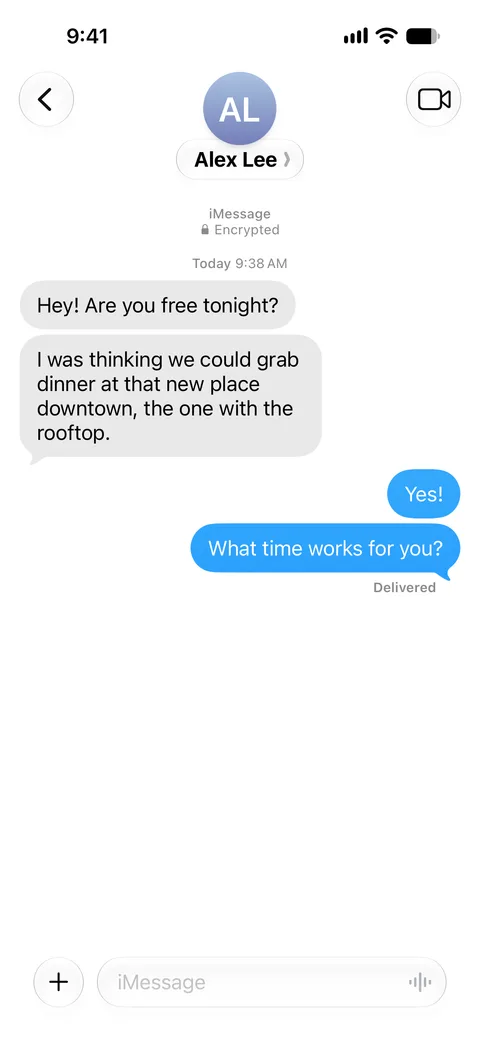
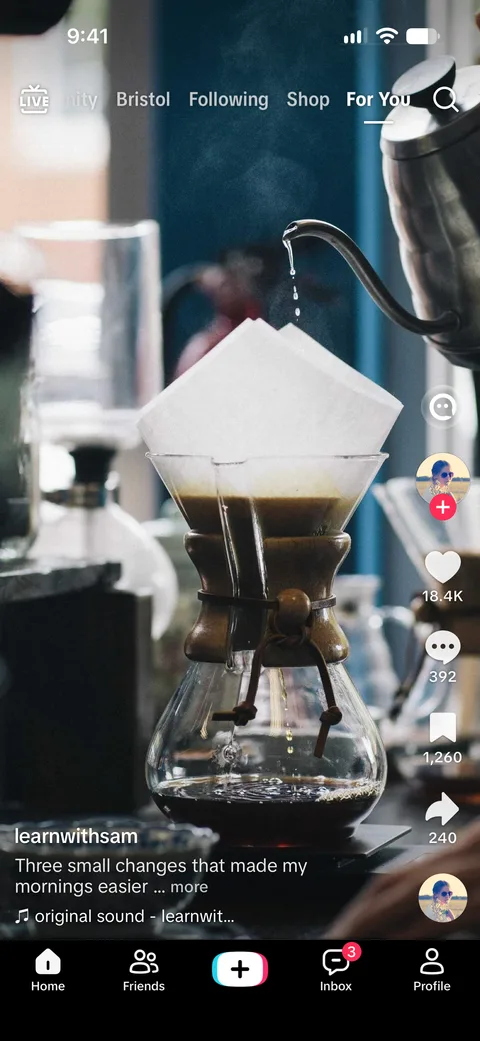
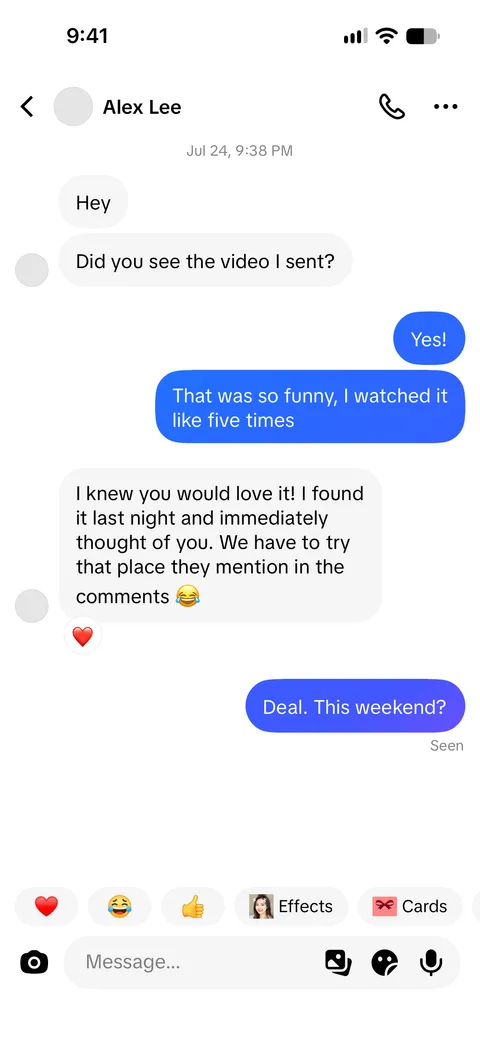
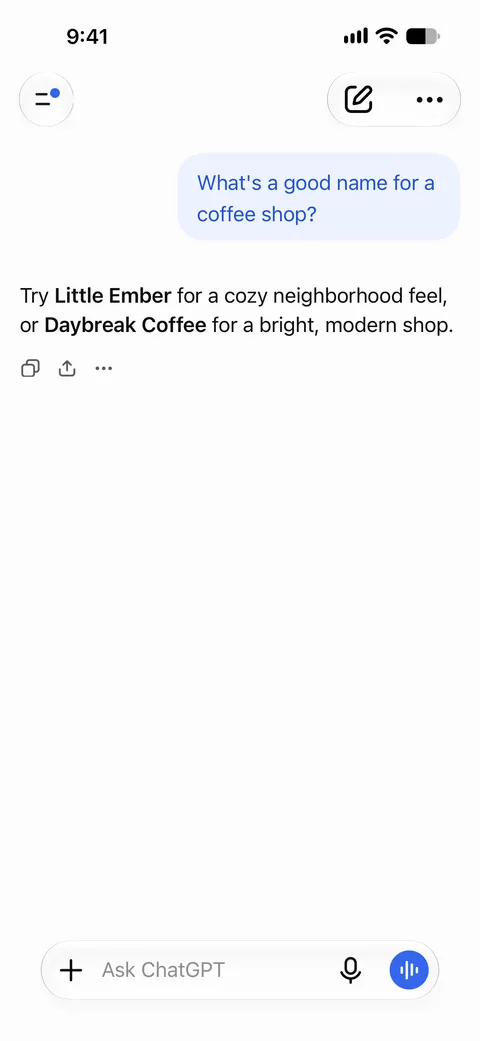
Each generator is rebuilt from real iPhone screenshots of the app. Parts that never change, such as the status bar, header buttons and input bar, are taken from those screenshots. Only what you edit (names, messages, numbers, pictures) is drawn, with spacing, fonts and bubble shapes measured against the originals, so the image holds up at full resolution.
Frequently asked questions
What is SocialMock?
A set of browser tools for creators and marketers that draw realistic screenshots of chats and social posts, such as iMessage conversations, TikTok videos and DMs, and ChatGPT chats, from the text and pictures you enter.
Is it free?
Yes. Every generator is free to use with no sign-up; free downloads carry a small SocialMock watermark. To download without it, sign in with Google and subscribe to Pro ($9/month, cancel anytime).
Is my content uploaded?
No. Screenshots are drawn in your browser, and your text and photos stay on your device.
What do I get when I download?
A PNG at iPhone screenshot resolution (1179 × 2556 pixels) without a phone frame.
Which apps are supported?
iMessage, TikTok posts, TikTok direct messages and ChatGPT. More generators are planned.
For mock-ups, design, teaching, entertainment and parody. Don’t use generated screenshots to deceive, impersonate, harass or defraud anyone (terms of use).